Most of the work in a good deck happens before the first slide: finding the numbers, checking them and deciding what the story is. Rixx does that part first. It researches the live web, reads the files you attach, works out the figures, and only then builds the slides.
What you get back is a normal PowerPoint file. The charts are native, the tables are real tables, and the facts from the web carry their sources.
Who uses it, and for what
Presentations are one job Rixx does among many, and they work best when the hard part of the deck is the content.
- Consultants and analysts build market overviews, competitor landscapes and client readouts. The research, the comparison table and the charts arrive together, each fact linked to where it came from.
- Founders make investor updates and fundraising decks. For a full investor deck with market sizing, see the AI pitch deck generator.
- Students and researchers turn papers, reports and reading lists into class presentations and journal-club slides, with the references kept.
- Managers turn a long report or a spreadsheet into a short board or team summary with a chart on every slide that needs one.
Inputs Rixx can build from
You can start from nothing but a topic, or from material you already have. Rixx combines them in the same job.
| Start from | What Rixx does with it |
|---|---|
| A topic or a question | Researches it on the web, reads the pages and builds slides from what it finds, with citations |
| A research paper or PDF report | Reads the whole document (PDFs up to 1,000 pages), pulls out the argument and key figures, and points back to the page |
| A spreadsheet or CSV | Runs a private workspace with a full terminal and Python to clean and compute, then charts the results on native slides |
| A Word document or past slides | Restructures the content into a new storyline in the theme you pick |
| Several of these at once | Joins your own data with outside research, and keeps the two clearly sourced |
A worked example
Say you ask: "Build a 12-slide market overview of US home battery storage for our board."
- Plan. Rixx drafts a storyline first: market size, growth drivers, key players, pricing trends, risks, and what it means for you. For a big deck it may ask two or three quick questions, such as the audience or the depth.
- Research. It searches the web for market estimates, installation data and company announcements, and reads the pages instead of skimming snippets. Where sources give different estimates, you can ask Rixx to show the range and name each source.
- Analyse. Where numbers need working out, such as growth rates or a price per kWh trend, Rixx computes them in Python rather than guessing.
- Build. It writes action titles, places native charts and tables, and adds the source to each slide that uses outside facts.
- Review. Rixx renders every slide and checks it visually, fixing overflowing text or a broken chart before it hands the file back.
Long jobs like this run in the background. You can close the tab and come back to the finished file.
Sample slides: Lumen Health
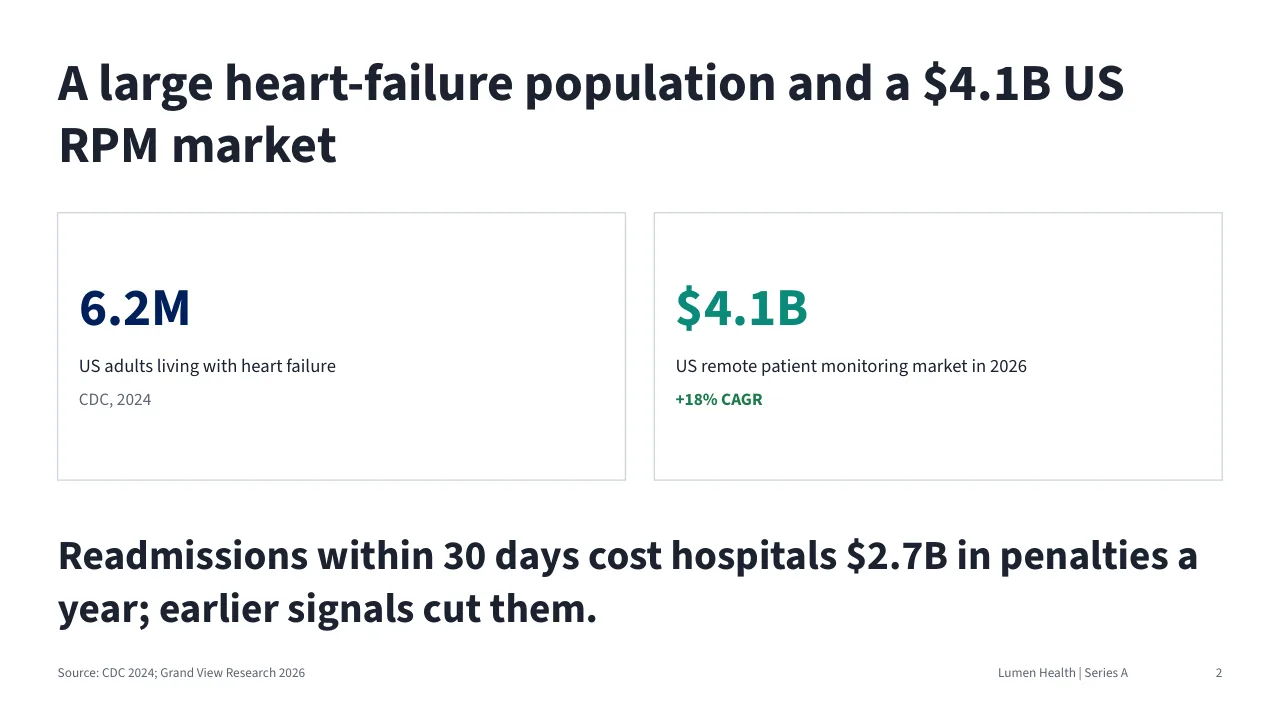
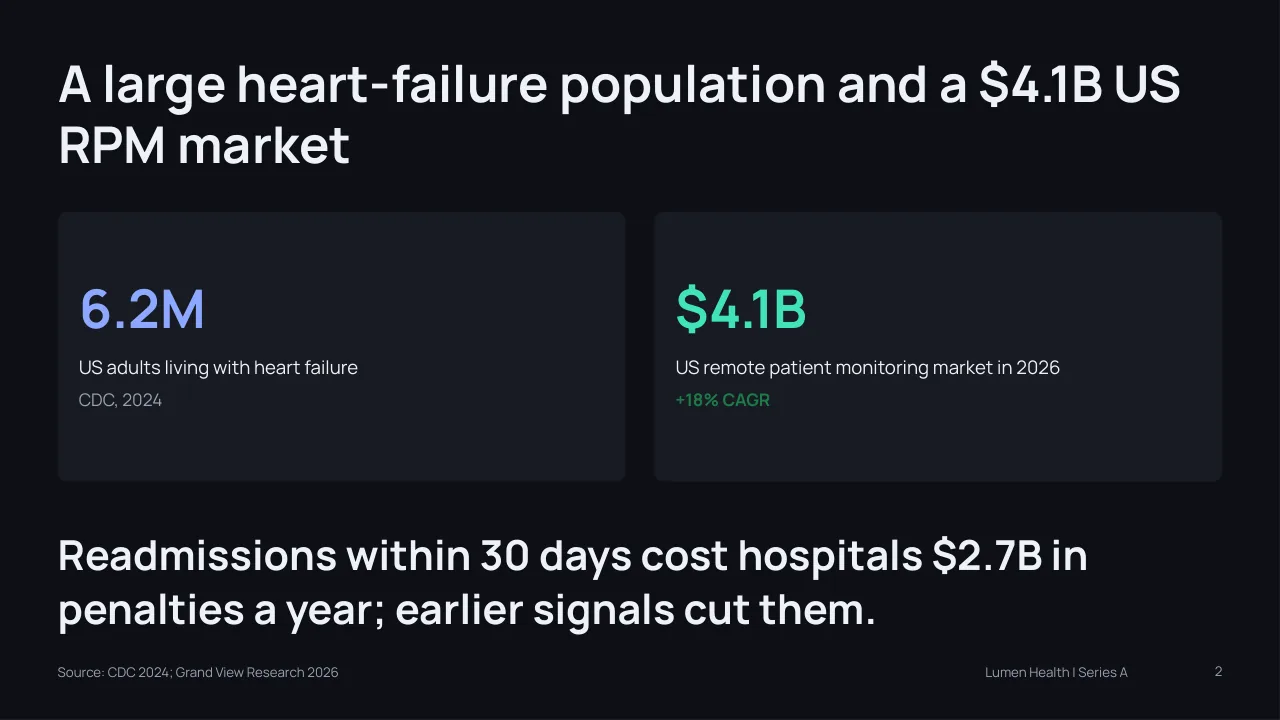
The slides on this page come from a sample deck Rixx built for Lumen Health, a fictional company. The figures are illustrative and are not real company data. The same deck was built in each of the six themes:
- Editorial: large type and calm layouts for narrative decks.
- Swiss: grid-based and minimal, good for data-heavy slides.
- Corporate: familiar and steady for board and client meetings.
- Bold: strong colour for launches and pitches.
- Dark: dark backgrounds for screens and events.
- Consulting: action titles and dense, structured slides.
How to check that a deck is really editable
Many AI slide tools export something that looks like PowerPoint but behaves like a picture. A quick test tells you which kind you have:
- Click a chart. In a Rixx deck, PowerPoint opens it as a chart. Choose "Edit data" and you see the numbers behind it.
- Change a value. The bars or lines redraw. Nothing is a flattened image.
- Click a table. It is a native table, so you can add a row or change a cell.
- Apply your own look. Because it is a standard .pptx, you can paste slides into an existing deck, swap fonts and colours, or apply your company's master slides after download.
Tips for better decks
- Name the audience and the decision. "For a board deciding whether to enter the market" gives Rixx a storyline, not just a topic.
- Give a slide count and a theme. Ten to twelve slides is a good default for a researched overview.
- Attach what you already know. Your own numbers beat estimates from the web. Rixx will use yours and cite them as your file.
- Ask for the working. Add "include an Excel file with the data behind each chart" and reviewers can trace any chart back to its figures and sources.
- Edit in chat. "Make slide 4 a table", "shorten every title" or "add a slide on pricing" returns an updated file.
Related jobs
- Need the numbers as a working model? Use the AI spreadsheet generator.
- Need a written version? Try the AI report generator.
- Need one chart rather than a deck? Use the AI chart generator.
- Researching first? See the AI market research generator and AI competitor analysis.
- Starting from a long PDF? Try the AI PDF summarizer.
Frequently asked questions
Can I edit the slides after Rixx makes them?
Yes. Rixx delivers a standard .pptx file. Every text box, chart and table is editable in PowerPoint, Google Slides and Keynote, just like a deck you built by hand.
Are the charts real PowerPoint charts?
Yes. Charts are native PowerPoint charts with their data inside the file, and tables are native tables. Open "Edit data" on any chart to change the values.
Where do the sources appear?
Slides that use outside facts show their source on the slide, and the deck ends with a sources list. In the chat, the same facts link to the pages Rixx read, so you can check them before you present.
Can Rixx make a presentation from a research paper or a PDF?
Yes. Upload the paper or report and ask for a deck. Rixx reads the whole document, builds the slides from its argument and figures, and can cite the page each point came from. You can also combine the paper with fresh web research.
Can I use my own brand after download?
Yes. The file is a normal PowerPoint deck, so you can apply your master slides, fonts and colours, or paste the slides into an existing presentation.
How long does a deck take?
A short deck from a file you attach can be ready in a few minutes. A long, heavily researched deck takes longer. It runs as a job in the background, so you can leave and come back.
Is it free to try?
Yes. Every plan, including Free, gets every feature, and Free includes 50 credits a day plus 500 a month. A researched deck uses more credits than a quick answer, and you only pay for what a job uses. Paid plans start at $8 a month; see pricing.