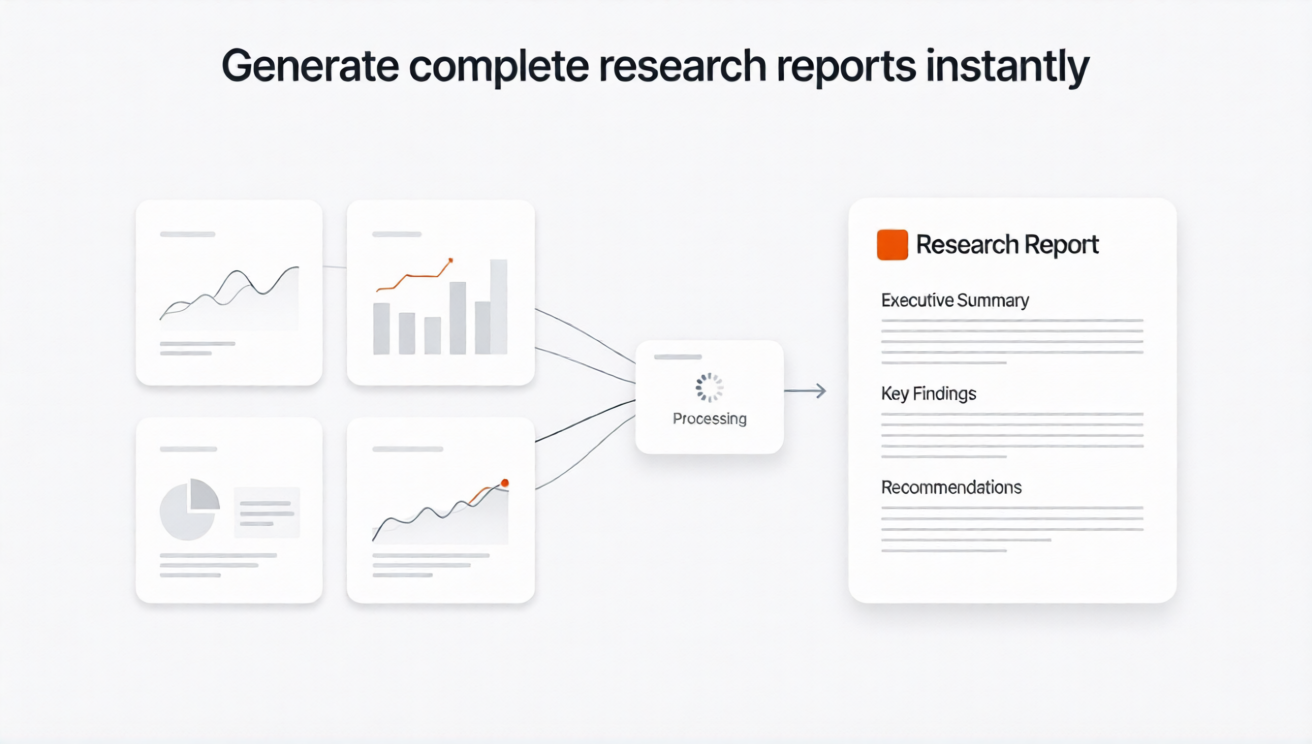
Rixx turns cited web research, uploaded documents, spreadsheet analysis, tables, and charts into a structured report that can be exported as PDF, Word, or Markdown.
The report remains part of the research workflow, making it easier to inspect evidence, revise sections, and share the supporting conversation.
A report generator should preserve the research trail
A generic AI report can be fluent but difficult to trust. Important claims may lack support, numbers may lose their definitions, and the polished document may hide uncertainty.
Rixx is designed around a different sequence:
question → cited evidence → files and data → analysis → visual → report → review
Use the current web, your own documents, follow-up questions, Python-assisted data analysis, charts, and export tools in one thread.
Reports you can create
Market-research brief
Summarize market structure, competitors, segments, pricing evidence, signals, risks, and unknowns.
Competitor report
Compare products, positioning, pricing, target audiences, and strategic evidence using a source-backed matrix.
Document-analysis report
Review one or more PDFs, reports, spreadsheets, links, or images and organize the important findings.
Research overview
Create a cited synthesis of a topic, including disagreement, limitations, and questions requiring further investigation.
Executive memo
Convert a longer research thread into a concise decision-oriented document without removing the source trail.
How to generate a stronger report
1. Define the audience and decision
Tell Rixx who will read the report, what decision it supports, the required depth, and the preferred format.
2. Gather and inspect evidence
Run cited searches, open source panels, and add the files that matter. Separate primary sources, secondary reporting, uploaded evidence, and interpretation.
3. Build the structure before prose
A useful outline may include:
- executive summary;
- scope and definitions;
- method and source boundaries;
- findings;
- evidence table;
- charts or comparisons;
- risks and conflicting evidence;
- limitations;
- recommendations or next questions;
- source references.
4. Add reviewed visuals
Create charts only after validating the data. Use Mermaid diagrams for relationships, processes, or structures that are not primarily numeric.
5. Draft with citation discipline
Require citations for factual claims and clearly label inference, recommendation, and uncertainty.
6. Audit the report
Ask Rixx to identify:
- unsupported claims;
- citations that only partially support the wording;
- inconsistent numbers;
- missing dates;
- ambiguous definitions;
- sections that overstate certainty;
- duplicated or unnecessary material.
7. Export and review
Generate PDF, Word, or Markdown. Review the exported file, not only the chat preview.
Example prompts
Create a market report
Create a report for [audience] about [market]. Include scope, current evidence, competitor table, reviewed chart, implications, limitations, and next questions. Cite factual claims and use “unknown” when evidence is unavailable.
Create a report from uploaded files
Use the uploaded PDF, spreadsheet, and notes as the primary evidence. Separate information from each file, identify contradictions, and draft a report with page-level verification notes.
Audit before export
Audit this report sentence by sentence. Flag unsupported claims, weak sources, mismatched citations, inconsistent numbers, missing dates, and language that is more certain than the evidence.
What makes Rixx different from a generic report writer
| Need | Generic report writer | Rixx research workflow |
|---|---|---|
| Current evidence | May rely on user-provided text or general model knowledge | Cited live-web research is part of the workflow |
| Uploaded evidence | Varies | PDFs, documents, spreadsheets, CSVs, images, and links |
| Source inspection | Varies | Queries, steps, source panels, snippets, and citations |
| Data work | Varies | Python-assisted analysis and charts |
| Outputs | Usually text | PDF, Word, Markdown, visuals, and shared conversations |
| Repeatability | Prompt-dependent | Memory and private Skills support reusable workflows |
Important limitations
- Rixx does not guarantee complete, correct, or authoritative research.
- Deep Research is coming soon; current report creation is user-directed.
- Paywalled or inaccessible evidence may be omitted.
- Citations, calculations, charts, and exports require review.
- A generated report is not professional legal, financial, medical, or investment advice.
- Confidential documents should be handled according to your organization’s security requirements.
Frequently asked questions
Does Rixx include citations in reports?
Rixx can use cited research in report workflows. Check the final export to ensure every material claim retains the required source reference.
Can it create a report from PDFs?
Yes. Supported PDFs and other files can be analyzed and used as report evidence.
Can it add charts?
Yes. Rixx supports interactive charts, Python-backed static charts, graphs, and Mermaid diagrams.
Which formats can Rixx create?
Rixx supports PDF, Word, and Markdown generation and export workflows.
Does Rixx write reports automatically?
It can help structure, draft, revise, and export reports from the research thread. Deep Research, which will support a longer autonomous process, is still coming soon.
Is an AI-generated report ready to publish?
Not automatically. Verify facts, citations, data, visuals, wording, and conclusions before sharing it.
Move from evidence to a reviewable report
Research the question, inspect the sources, add your files, build the visual, and export the result.